How to create and edit AI videos with Claude Code or Codex
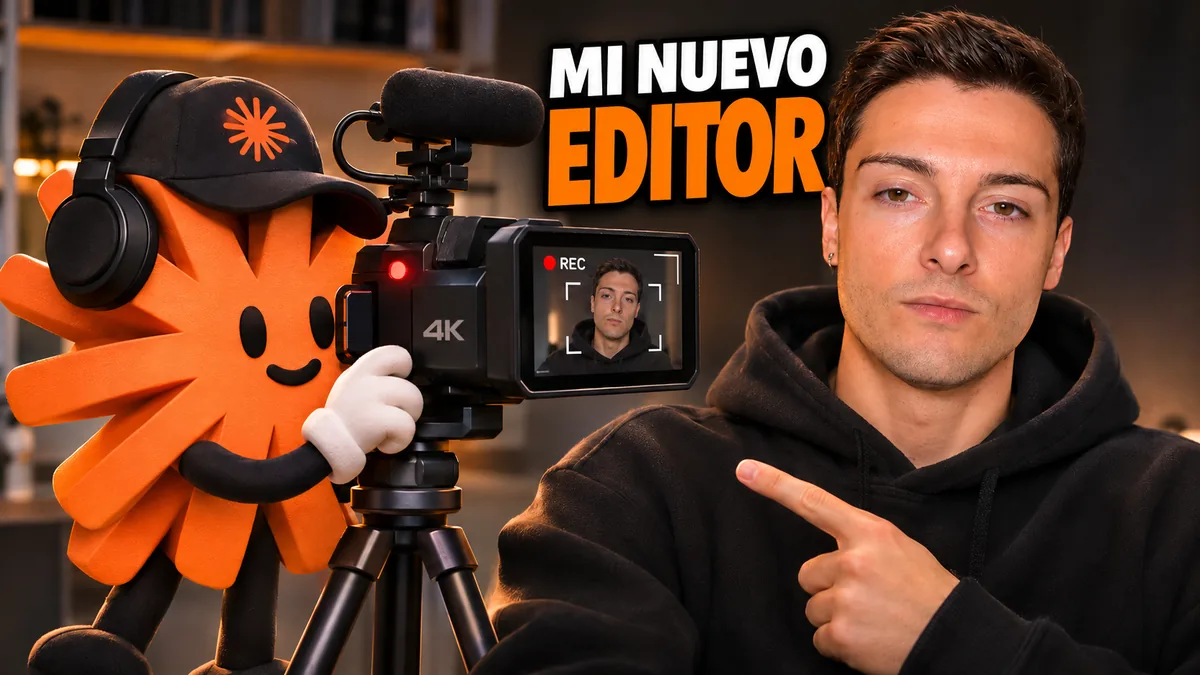
Install my video editing skill, export your first clip with FFmpeg, and see how I use Claude Code or Codex for Reels and YouTube videos.
Watch the video on YouTube (Spanish) ↗
How does video editing with Claude Code or Codex work?
Claude Code or Codex can read a video project, prepare an edit plan and run FFmpeg to export it. Start with raw footage and editing instructions. The skill sets up the project and leaves an editable plan for the next revision.
How do I install the video editing skill?
Download SKILL.md into a working folder and open that folder in Claude Code or Codex with file and terminal access. The installer needs Python 3.10 or later. Exporting requires FFmpeg and ffprobe on the PATH, with libx264 and libass available. The installer preserves existing files.
Read SKILL.md and install the Creador de Vídeos in this folder.How do I make my first edit?
Put your footage in Brutos and references in Recursos/Referencias. Specify the format, the takes to keep and the pacing. The plan goes in Proyectos and the MP4 in Resultados. Review the first version and save the next revision under a new plan name.
Edit Brutos/toma.mp4 as a vertical Reel. Keep the last complete take when a line repeats. Preserve natural pauses. Use my reference for pacing, save the plan and export an MP4 for review.What did I make with this workflow?
The tutorial shows three existing examples. Fable 5.2 combines talking-head footage and graphics, the bunker explainer uses animated visuals, and Forjando el Reino is a recurring fantasy series. I edited the tutorial itself in two parts, then assembled the opening, the body and the chapter cards.
During review I restored several filler words because the original delivery sounded more natural. That is the kind of decision I want to keep in the review loop.
What can the basic exporter do?
The exporter trims selected intervals, supports landscape, portrait and square video, and can burn in an existing SRT. FFmpeg renders the MP4. Transcription, generated images, voice and advanced animation depend on the tools available in your environment.
Frequently asked questions
Do I need both Claude Code and Codex?
Either agent can follow the workflow if it has access to the project folder and a terminal.
How much does it cost?
The SKILL.md download has no charge. Agent access and additional services depend on your plan and the tools you use.