The 5 best Claude Code skills for video editing (2026)
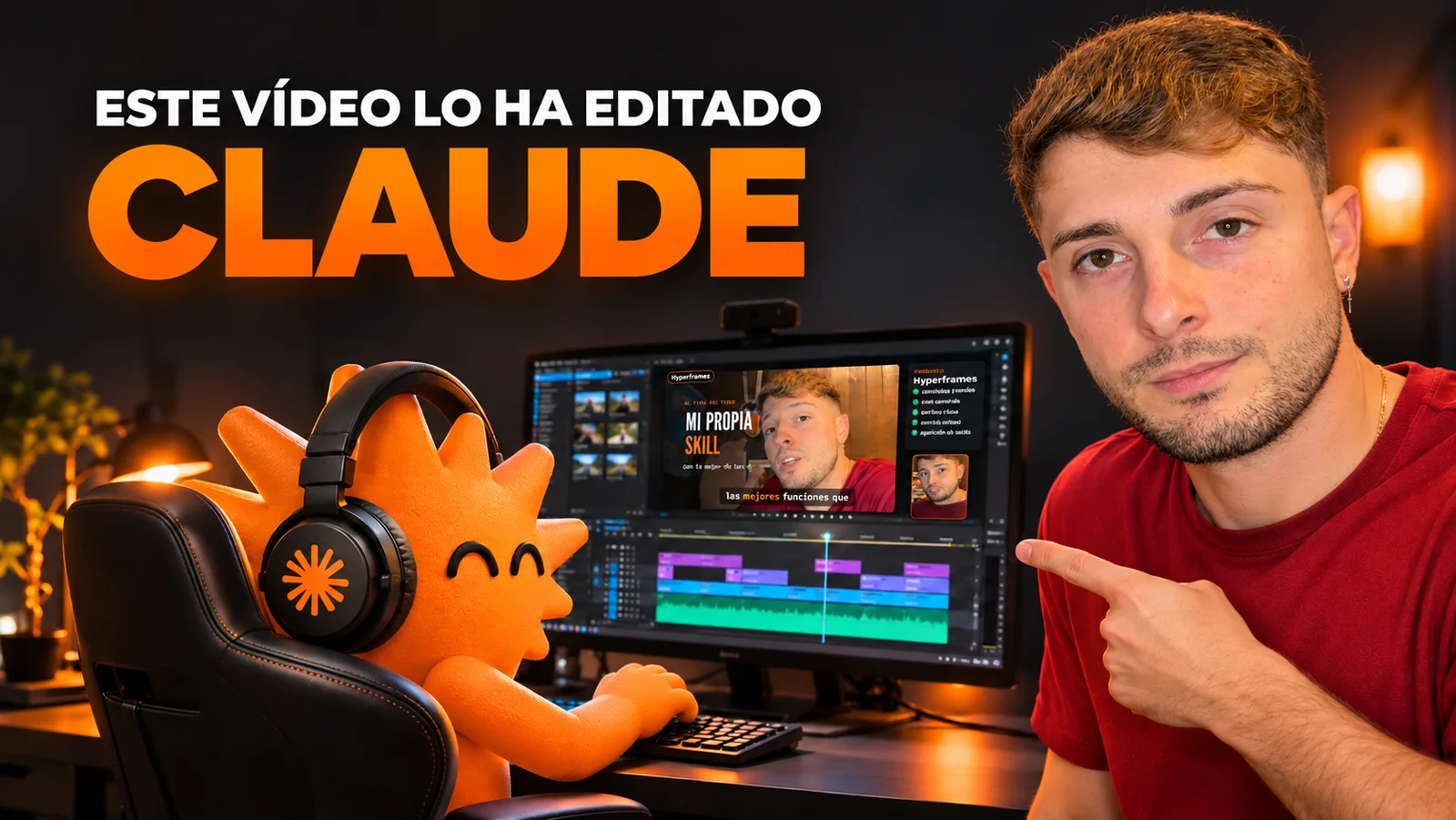
The 5 best Claude Code skills for video editing, tested on the same footage, plus the free super skill I built from the best of each one.
Watch the video on YouTube (Spanish) ↗
Get my editar-video super skill on GitHub (free)
What are the best Claude Code skills for video editing?
The five most used Claude Code skills for video editing in 2026 are video-use, Herk Edit Kit, HyperFrames, OpenMotion and ffmpeg-skill. I tested them on the same footage with the same instruction. HyperFrames is the most complete, with the best subtitles, graphics and sound effects. video-use makes the best cuts and take choices. Herk Edit Kit has the cleanest edit, OpenMotion the best zooms and ffmpeg-skill is the most basic.
None does everything well, so I built editar-video, a free open source super skill that combines the best of all five. This article summarises the full comparison from my YouTube video (in Spanish), which runs almost 14 minutes and was edited entirely with that super skill.
What is a Claude Code skill and why use one for video editing?
A Claude Code skill is a folder with instructions (a SKILL.md file) and often scripts that Claude Code loads when a task needs them. For video, the skill teaches the agent a full workflow, from transcribing raw footage and picking takes to cutting with FFmpeg, animating graphics, mixing audio and exporting.
Unlike a traditional editor, you do not drag clips. You give the agent the footage and what you want, review its plan and correct it in plain language. Editing a YouTube video used to take me about 20 hours. Now Claude Code makes the first cut and I review it.
How did I compare the five editing skills?
I recorded talking-head footage with mistakes, retakes and spoken cues, then ran all five skills at once in five Claude Code chats with exactly the same prompt. The brief was a 16:9, 60 fps YouTube hook with the best take of each line, no mistakes or silences, Spanish subtitles, a 20 hours versus 20 minutes graphic, soft music and the five skills on screen with their GitHub stars.
I then compared the results on cuts, subtitles, graphics, sound effects, music, face framing and zooms. All transcription used local Whisper, including video-use, which asks for ElevenLabs by default.
What does each video editing skill do?
video-use by Browser Use (31.3k stars, MIT) is the cutter. It reads the transcript, picks takes, removes filler and silences, grades colour and reviews itself. Herk Edit Kit by Nate Herk (3k stars, MIT) is the YouTuber kit, with cuts, captions, B-roll, hundreds of graphic cards and code-generated music.
HyperFrames by HeyGen (87.4k stars, Apache-2.0) is the motion designer. It writes titles and animations in HTML, renders them to video and ships a localhost editor. OpenMotion by nexu (13.8k stars, Apache-2.0) presents itself as a CapCut alternative built to copy a reference style. ffmpeg-skill (8.7k stars, MIT) is the technician, with 40+ FFmpeg tools to cut, caption, reframe, normalise audio and check a video with no cloud or keys.
Which skill wins on cuts, subtitles, graphics, sound and zooms?
video-use wins cuts and take selection with the best pacing, and ffmpeg-skill is the weakest. HyperFrames wins subtitles, word-synced inside a box without being asked, while OpenMotion always places them on the left. HyperFrames also wins graphics and sound effects, with Herk Edit Kit close behind on graphics. OpenMotion and video-use stand out on zooms.
On face framing none is fully clean. HyperFrames has the most premium split screen but covers the face at one point, and Herk Edit Kit and video-use add dark blocks that cut into it.
Pros and cons of each skill, my verdict
HyperFrames is the best Claude Code skill for video editing if you want visual polish, though some timings slip and it sometimes covers the face. video-use is best for cutting and looks the least AI-made, but it is visually plain. Herk Edit Kit is clean with great scenes, but some elements land late. OpenMotion has good timing and nice zooms but a basic split screen and too much plain text. ffmpeg-skill is the most basic, and its value is in the tools to check a video.
What is the editar-video super skill?
editar-video is my super skill for editing videos with Claude Code. It combines cuts from video-use, subtitles, effects and split screen from HyperFrames, scenes from Herk Edit Kit, zooms from OpenMotion and checks from ffmpeg-skill. It is free, open source and MIT licensed.
It adds spoken cues while recording, face tracking so nothing static covers it, measured text that always fits its box and a report of the takes it was unsure about. Everyone can drop their own design system in a folder. It always exports at 60 fps, in 4K for YouTube and vertical 1080 for Reels, Shorts and TikTok, with audio at -14 LUFS.
How do I install the super skill in Claude Code?
Download the GitHub repository and copy the editar-video folder into ~/.claude/skills/ for every project, or into a project's .claude/skills/. It needs FFmpeg, Python 3.10+ with Whisper for local transcription and Node.js 22+ for HyperFrames. On Windows, add PYTHONUTF8=1 to Claude Code's environment variables.
Then open Claude Code where you want your projects and ask it to edit your footage. It shows you the plan first and, once you approve, it cuts, animates, mixes and exports.
git clone https://github.com/josemacanbe/editar-video

Edit C:\recordings\raw.mp4 as a YouTube video.
My brand is in C:\brand\design-system.zip.
Frequently asked questions
What is the best Claude Code skill for video editing?
In my test, HyperFrames is the most complete (subtitles, graphics and sound effects) and video-use makes the best cuts. Since none does everything well, I built editar-video to combine the best of all five.
Can Claude Code edit a full YouTube video?
Yes. My almost 14-minute comparison video was edited entirely with Claude Code and the editar-video super skill, in 4K at 60 fps. I review the plan and drafts and ask for corrections.
Is the editar-video super skill free?
Yes. It is on GitHub under the MIT licence. You only need Claude Code and free tools such as FFmpeg, Whisper and HyperFrames.
Do I need ElevenLabs or another paid API?
No. editar-video transcribes with Whisper on your own computer.
Does it work on Windows?
Yes, it was built and tested on Windows. Add PYTHONUTF8=1 to your Claude Code settings.